
Update project, portfolio and resource pool to current state
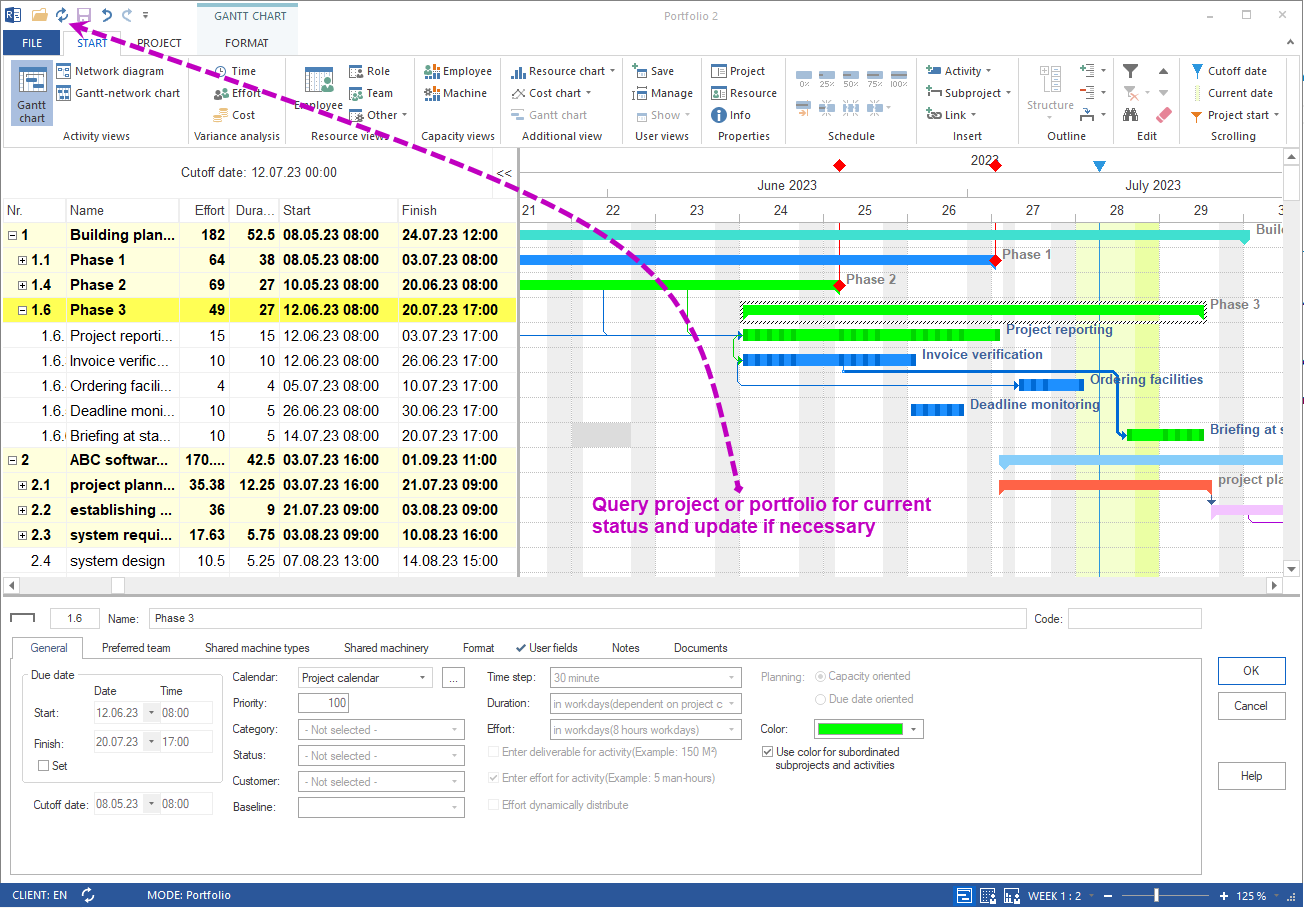
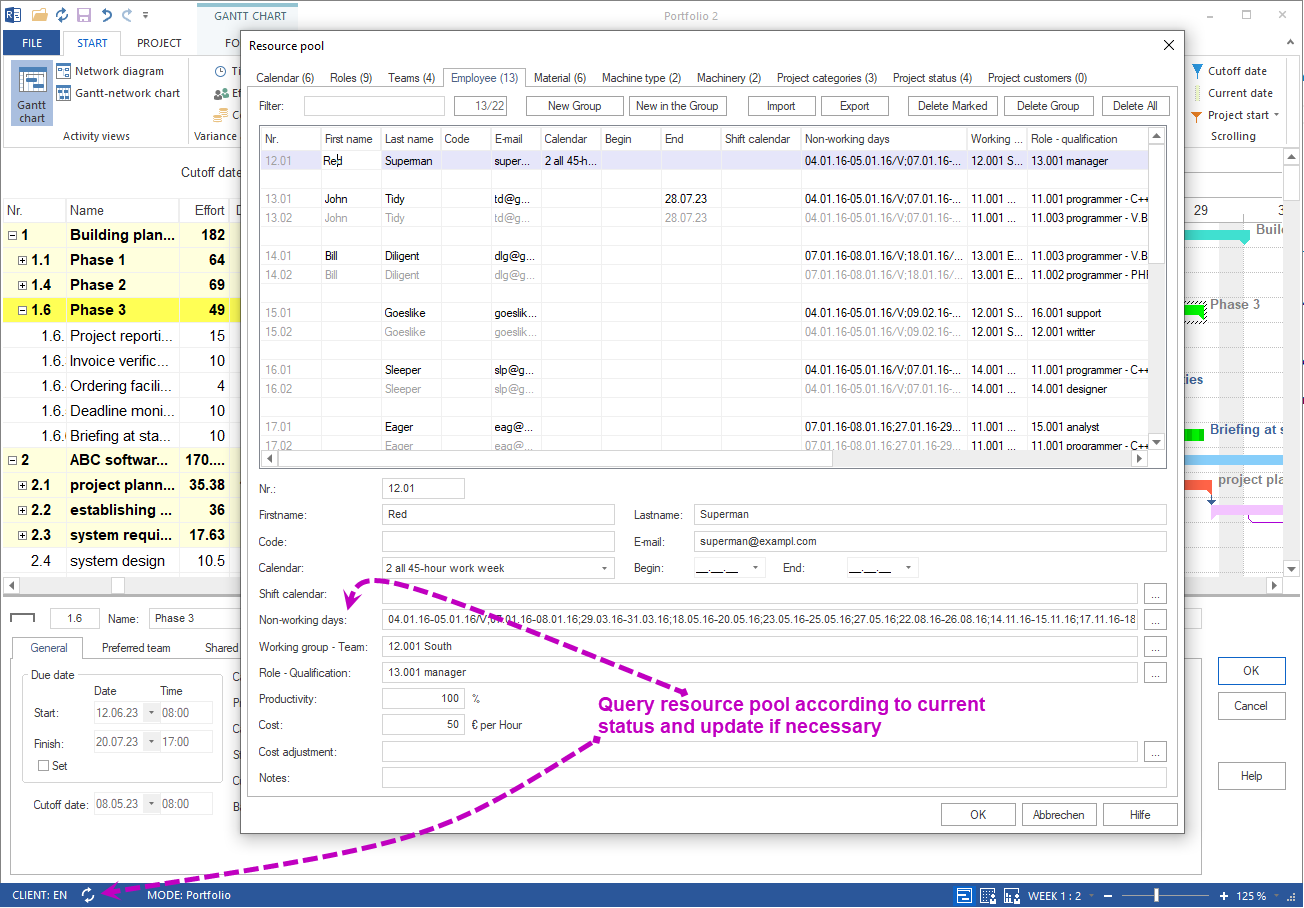
Rillsoft Project 9 adds the buttons Update project/portfolio and Update resource pool. Currently opened projects – including read-only entries – are refreshed to the current database state, and the resource pool synchronizes on demand.
When is the update relevant?
Typical situations:
- A portfolio contains projects in read-only mode that are being edited in parallel by other planners
- A single read-only project is open while other users change dates or utilization
- The resource pool is maintained centrally – new employees, changed availability or qualifications need to appear without restarting
Behavior of the buttons
| Situation | Button active? |
|---|---|
| Portfolio open, no unsaved changes | yes |
| Portfolio with unsaved changes | greyed out |
| Resource pool open, no conflicts | yes |
This prevents unintentionally overwriting your own edits.
Benefits of current project and resource data
Up-to-date information – You see what is going on in each project and which resources are actually available. Decisions rely on real data, not stale snapshots.
Resource prioritization – A current resource pool shows which employees and roles are heavily booked and which have reserves. Limited resources can be focused on the important projects.
Risk management – Looming resource shortages or shifted deadlines in parallel projects surface early. Countermeasures can be planned before your own project is affected.
Communication – All stakeholders work on the same data. Instead of discussing stale utilization charts, status meetings rely on the current database view.
Portfolio effectiveness – With synchronized projects and resources the portfolio stays steerable as a whole – also in multi-user mode over Rillsoft Integration Server or Rillsoft Cloud.
Related to multi-user work
- Summary project and multi-user work – split a project into subprojects and merge later
- Rillsoft Integration Server – on-premise server for multi-user mode
- Rillsoft Cloud – hosted variant for distributed teams