
Vacation planning with group calendar
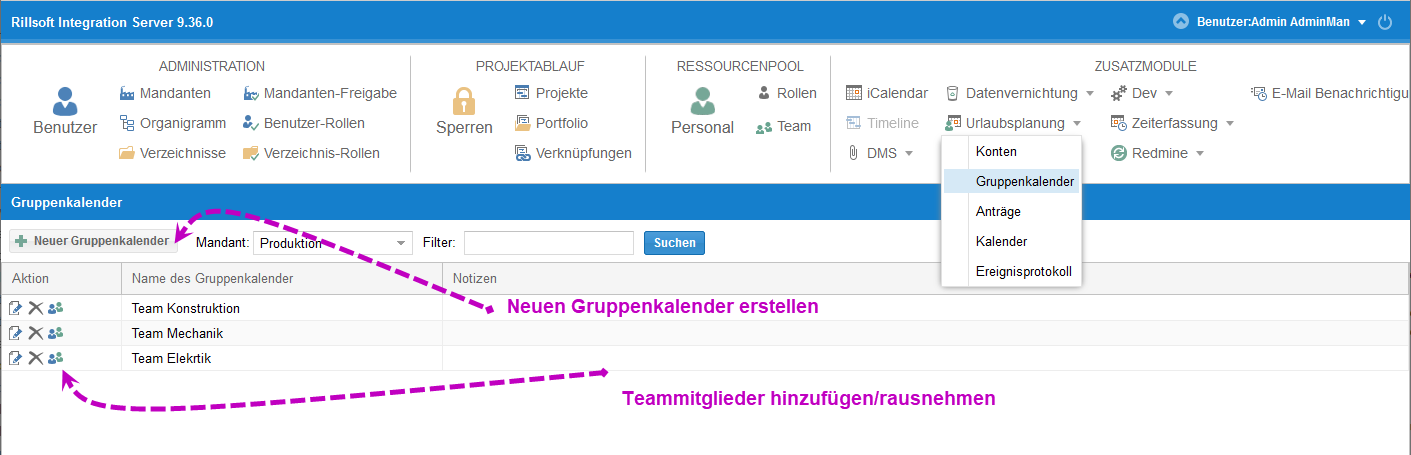
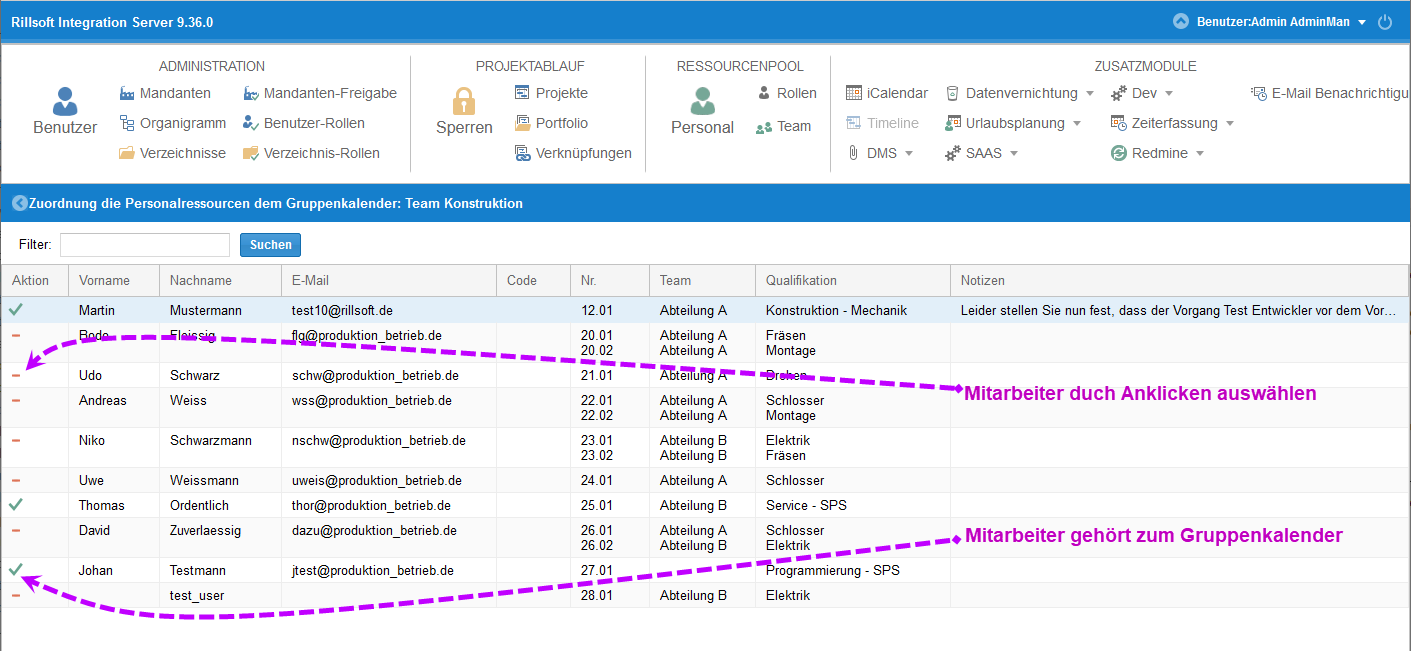
Rillsoft Project 9 together with Rillsoft Integration Server (RIS) extends vacation planning with group calendars. Team members see the vacation dates of their colleagues – bottlenecks in departments and projects can be avoided instead of surfacing only at request time.
How vacation planning worked before
Earlier versions of Rillsoft Project already let employees enter their preferred dates via a web interface. Rillsoft automatically checked for overlaps with planned activities and submitted the dates to supervisors for approval after a successful clash check.
Limitation in Rillsoft Project 8: only supervisors could see and approve employee vacation dates. Teammates were left out.
What Rillsoft Project 9 adds
With the introduction of group calendars, vacation planning becomes significantly more flexible:
| Aspect | Rillsoft Project 8 | Rillsoft Project 9 |
|---|---|---|
| See vacation dates | only supervisors | all group members |
| Define groups | – | teams, departments, projects |
| Multiple group memberships | – | one employee in several groups |
| Web interface | yes | yes |
| Automatic clash check | yes | yes |
Benefits of group calendars in practice
- Transparency – Teammates see absences and can align their own preferred dates
- Avoid bottlenecks – Clusters of requests surface before approval, not after
- Efficiency – Supervisors spend less time resolving conflicts manually
- Flexibility – an employee can belong to multiple group calendars (e.g. function, project, site)
- Smooth project flow – vacations and project planning share the same resource pool
Prerequisite: Rillsoft Integration Server
Group calendars require Rillsoft Project 9 + Rillsoft Integration Server. With Rillsoft Cloud the function is available as a hosted variant.
Related to personnel and server solutions
- Staff scheduling software – plan employees by qualification and utilization
- Rillsoft Integration Server – on-premise server for multi-user features
- Rillsoft Cloud – hosted variant for distributed teams